
Guests and seating
Wedding Seating Chart: 7 Steps to Happier Tables
A calm way to turn your confirmed guest list into comfortable tables, clear place cards and a useful caterer handover.
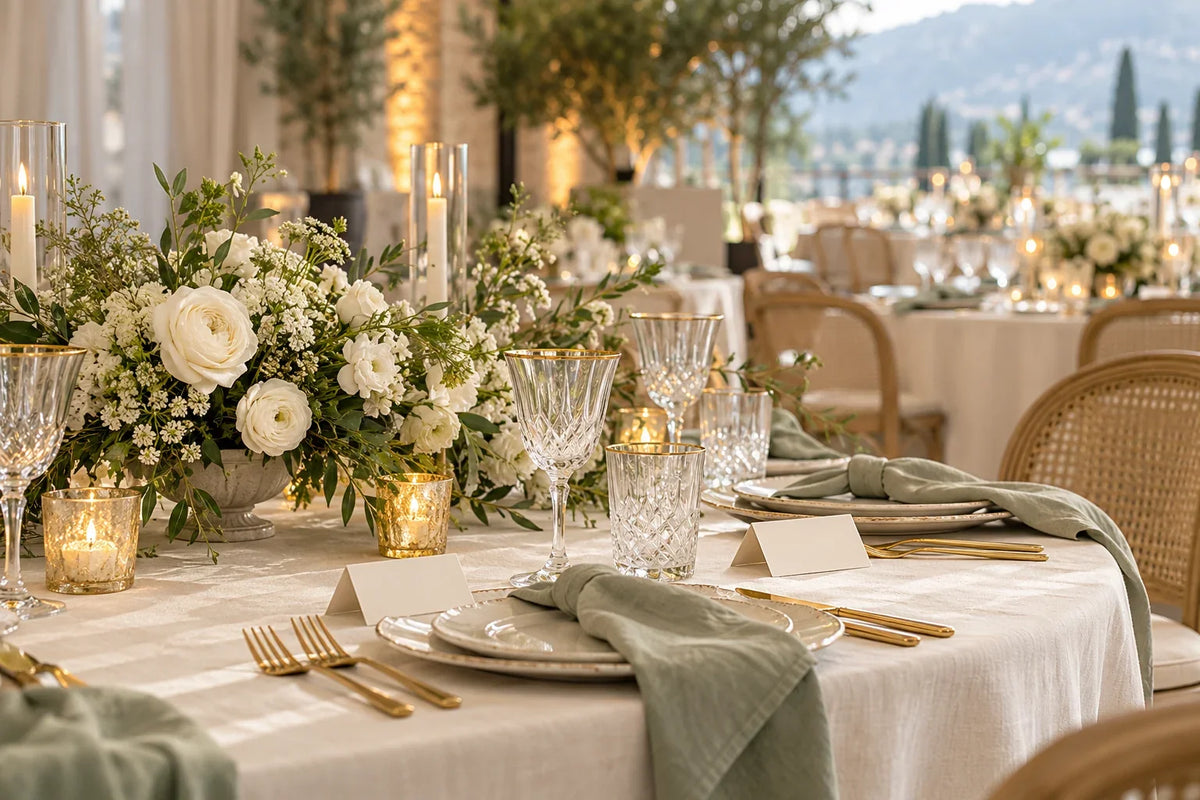
To create a wedding seating chart, confirm your room layout, group guests thoughtfully and check every assignment against the final RSVP list. Start with tables rather than individual chairs unless your caterer needs exact seat positions.
The goal is a comfortable meal and easy service. A table does not need to contain everyone's closest friends, but each guest should have a sensible place in the conversation.
1. Get the actual floor plan first
Ask the venue for the layout that includes your dance floor, entertainment, serving routes and accessible paths. Confirm each table's comfortable capacity for the chosen place settings. A maximum capacity is not a reason to squeeze in an extra chair.
2. Build from confirmed guests
Use one row per person and keep households connected. Record RSVP status, meal choice and any privately shared access needs. Give pending guests a provisional position without counting that position as a confirmed meal.
If replies are still missing, use our wedding RSVP deadline guide before printing anything.
3. Place guests with practical needs
Consider the route to toilets, exits and the dining area. Ask guests what would help instead of assuming that age alone tells you where someone should sit. Keep companions together, and discuss children's seating with their parents or carers.
4. Make small social groups
Begin with families, friendship groups and people who already share a connection. Then combine compatible groups to fit the room. Avoid creating a separate singles table simply because several guests are attending without partners.
For a fictional 48-person reception with six tables of eight, draft six groups first. If one group contains ten people, split it into two connected groups rather than adding chairs before checking capacity.
5. Handle sensitive relationships quietly
You do not need to explain your entire family history on the seating file. Keep private notes restricted, and give the venue only the instructions it needs. If two guests need distance, consider sightlines and arrival routes as well as table numbers.
6. Choose table assignments or exact seats
A seating chart or escort card directs someone to a table. A place card marks their individual seat. Check with the caterer whether meal identification requires exact seating, particularly when guests have selected different dishes.
Keep the displayed chart easy to scan. Alphabetical names can be helpful for a larger reception, while table headings may suit a small group. Use readable type and check the display's position along the arrival route.
7. Run a final accuracy check
- Every confirmed guest appears once.
- Table totals match the venue-approved layout.
- Meal counts match the caterer's requested format.
- Partners, children and carers are placed as agreed.
- Names match the place cards and printed chart.
Save a dated final version and give one person responsibility for late changes. Keep spare blank cards available, but confirm any added guest with the venue and caterer first. Start with our Google Sheets guest list guide if your information is still scattered.
Further reading: Brides on escort cards and place cards.


